
Create a new project
Now it's time to create a project structure for your new dotfiles.
Click on "Add Project" to open the dialog and fill out the required fields.
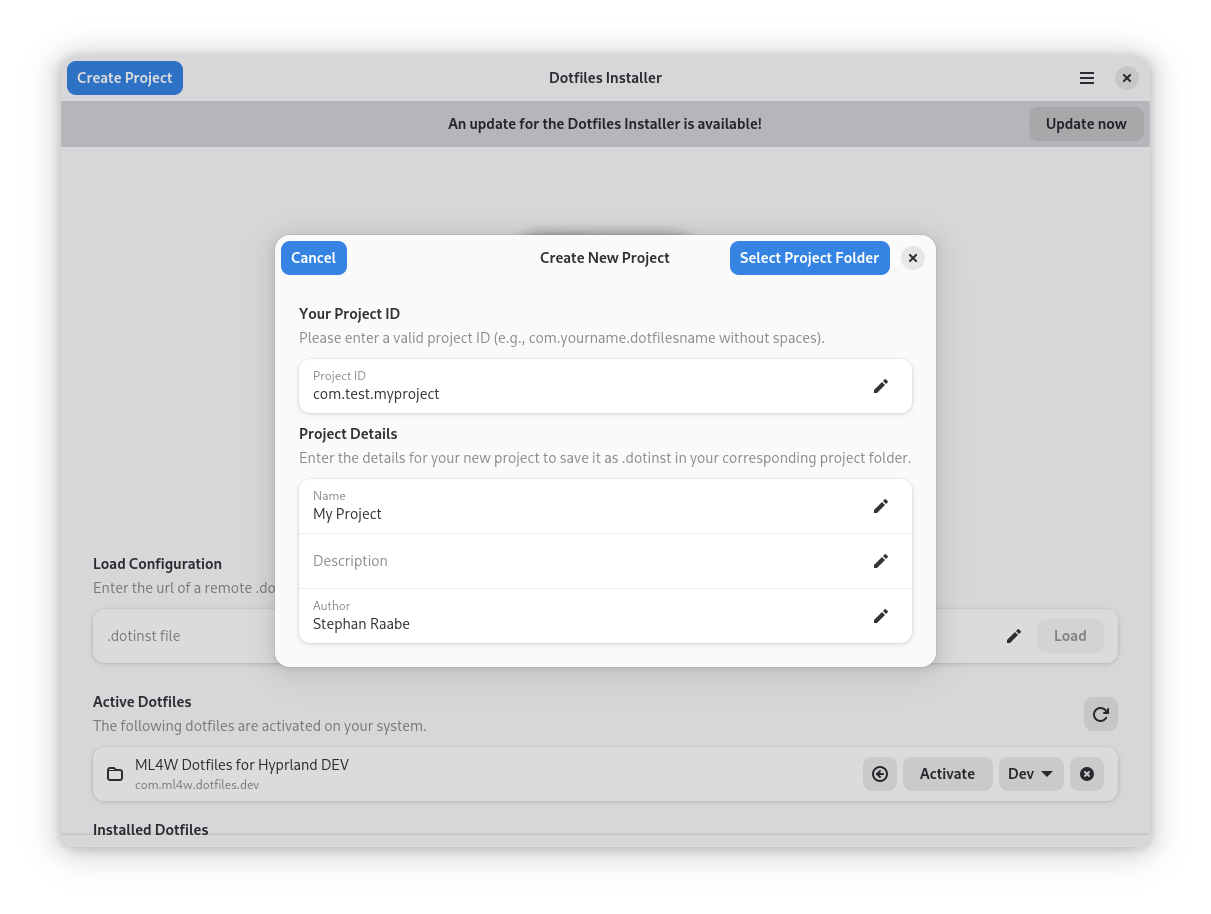
Please use the following format for your Project Id:
sh
com.yourname.dotfilesnameClick on "Select Project folder" and select your new repository folder or create a new folder.
You will find the following folder structure in your folder:
- The 'dev' folder includes your development .dotinst file
- The 'dotfiles' folder is where you can add your configuration.
Please follow the directory structure relative to your home directory.
- Put the .bashrc file from your home folder into dotfiles/.bashrc
- Put the .config/waybar folder into dotfiles/.config/waybar
Then install your project by loading the development .dotinst file. Enter the path into the Load configuration entry field:
sh
Projects/yourdotfiles/dev/com.yourname.dotfilesname.dev.dotinstRun the installation to activate your development configuration.