
Easy Testing & Installation
Install ML4W OS on your preferred Linux Distribution with the Dotfiles Installer. Or test (and install) by using the Live ISO.
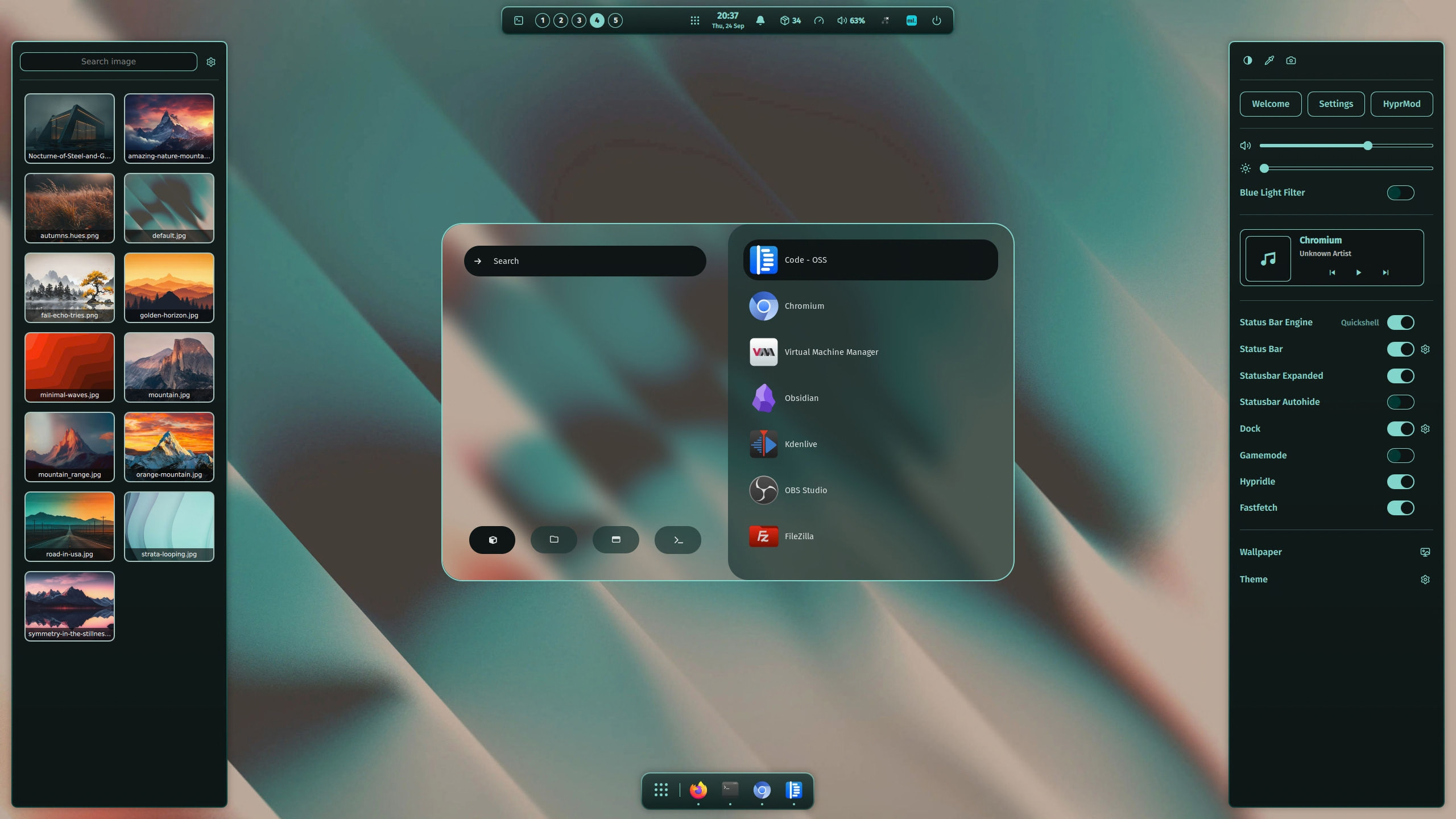
An advanced and full-featured Operating System and Dotfiles Configuration based on the dynamic tiling window manager Hyprland.

Run ML4W OS from a bootable USB Stick or directly in a KVM/Qemu virtual machine.
Run sudo install-ml4w-os in a terminal to install the ML4W OS with Arch Linux (BETA).
You can install the ML4W OS Hyprland with the Dotfiles Installer available on Flathub.
Click on the badge below to install the app.
Copy the following url into the Dotfiles Installer and start the installation.
https://raw.githubusercontent.com/mylinuxforwork/dotfiles/main/hyprland-dotfiles-stable.dotinsthttps://raw.githubusercontent.com/mylinuxforwork/dotfiles/main/hyprland-dotfiles.dotinstSetup scripts to install the required dependencies are included for Arch, openSuse Tumbleweed and Fedora.
For other distros, please install the dependencies first.