

Overview
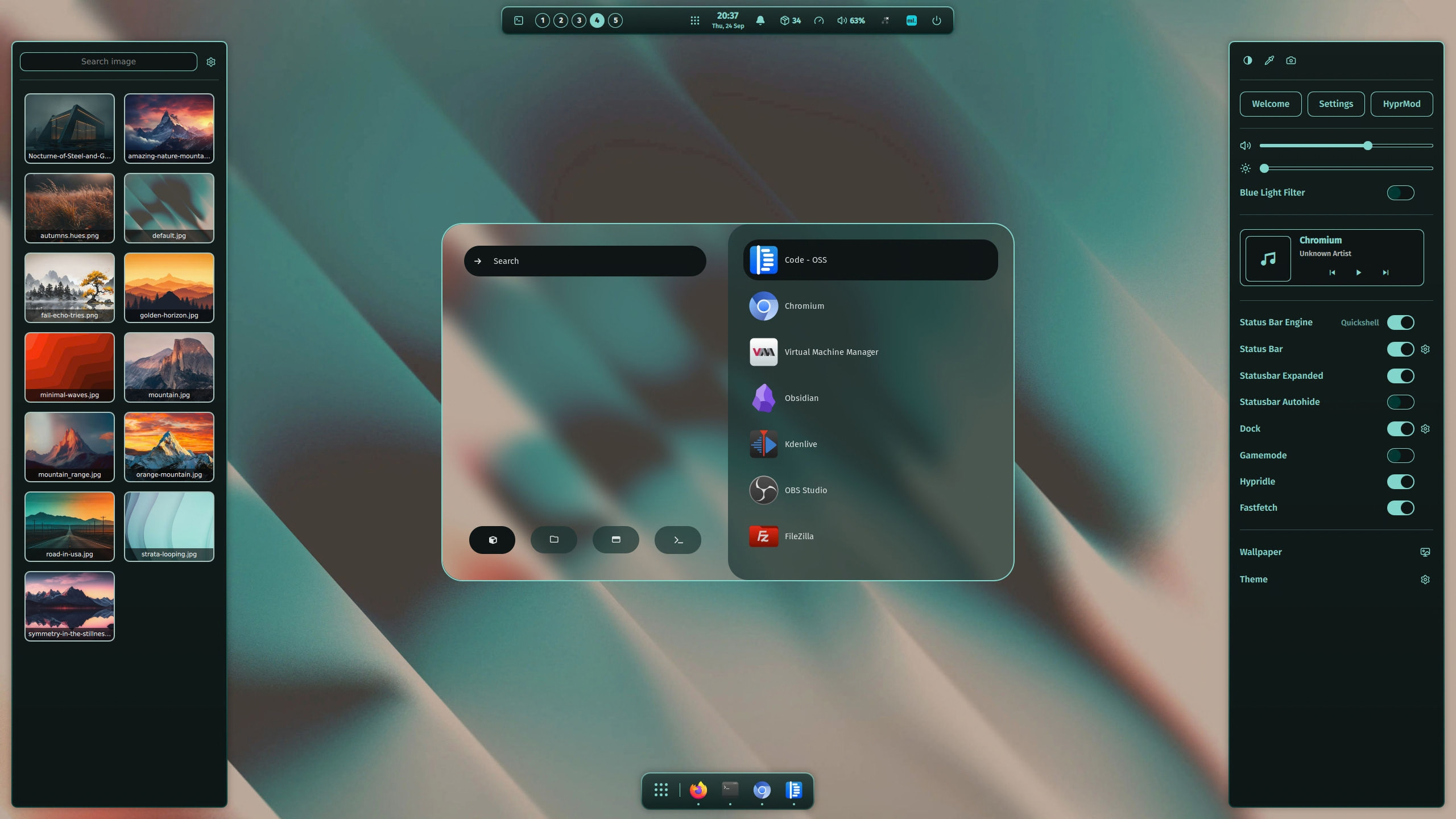
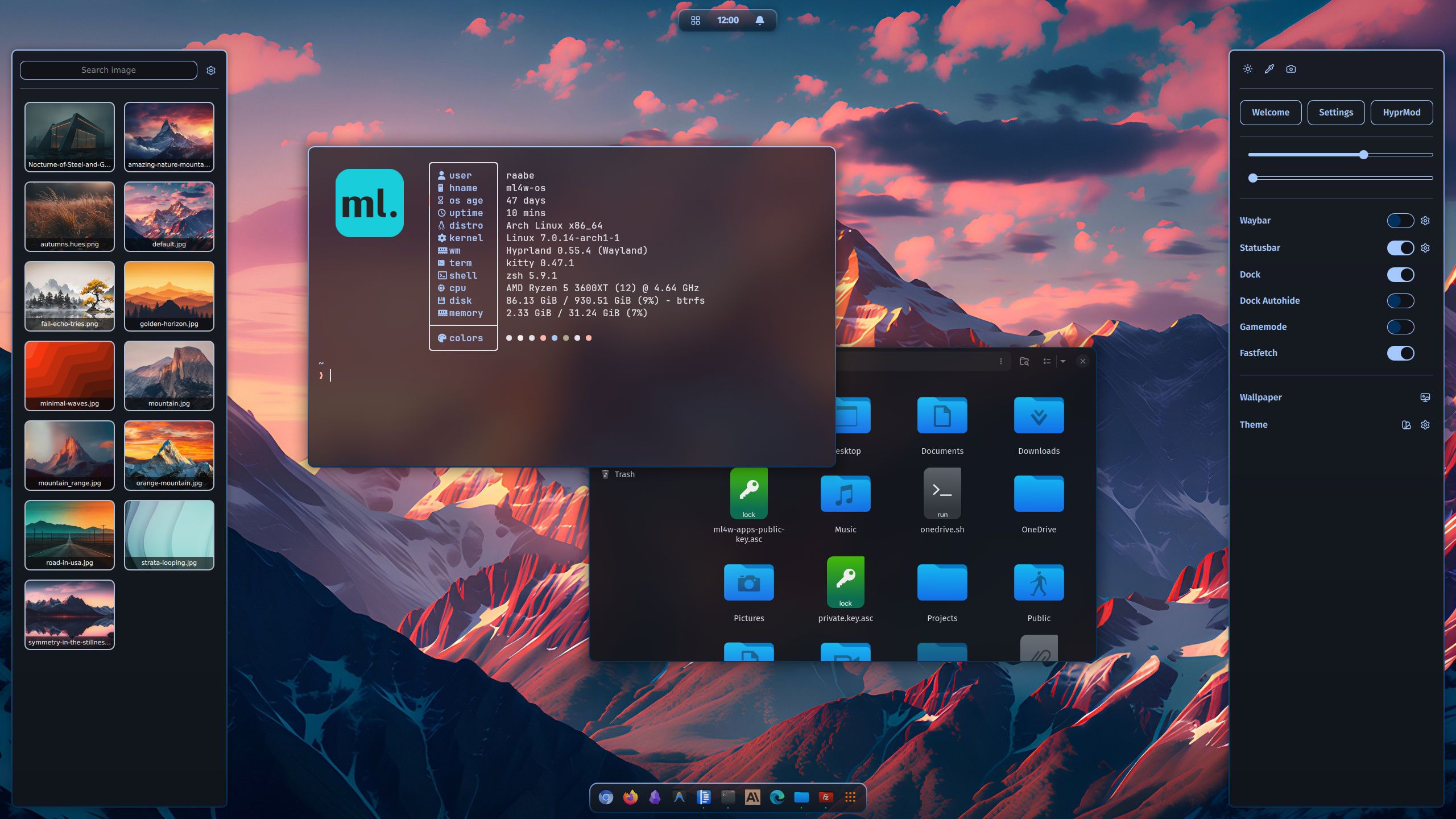
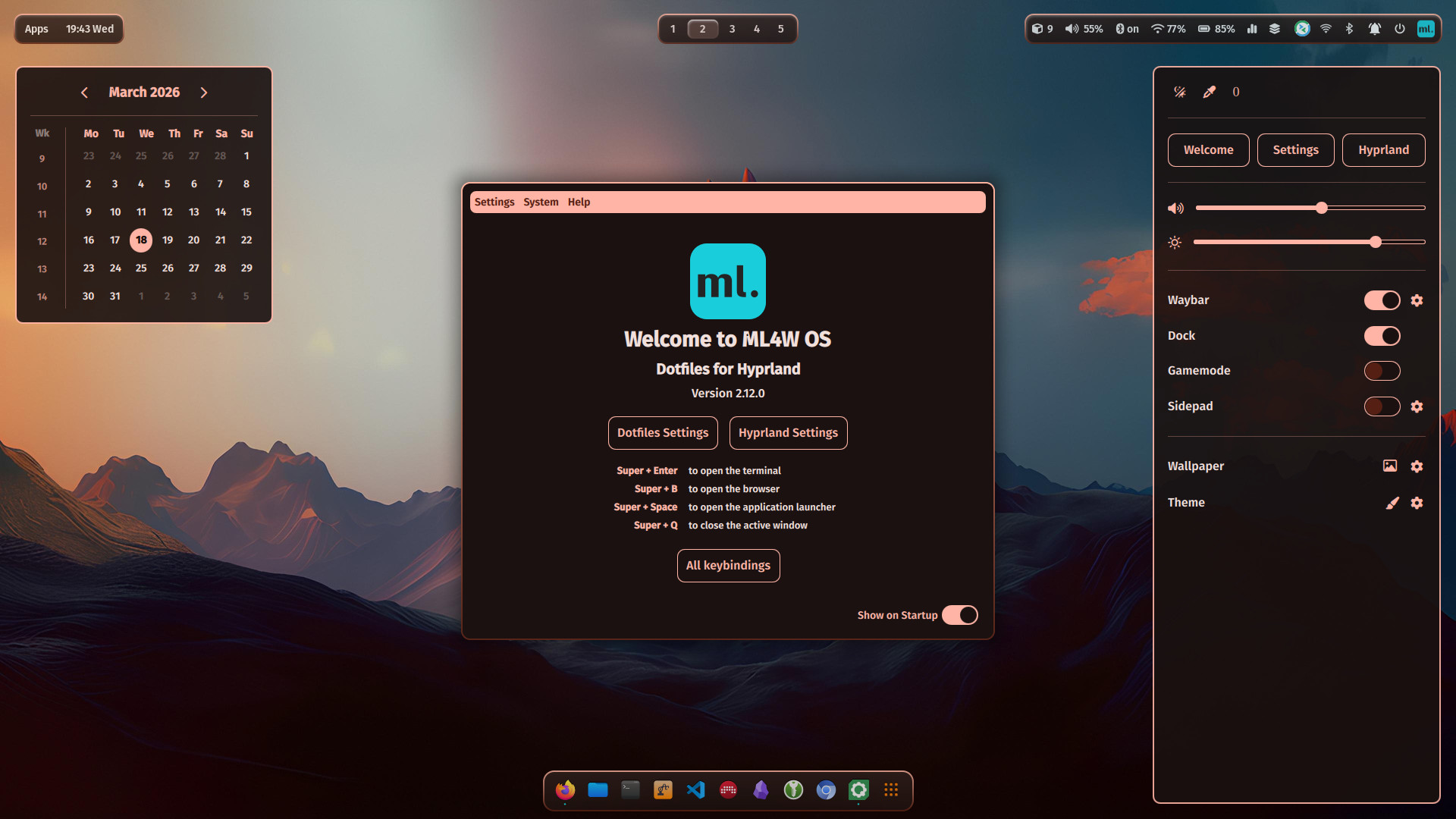
The ML4W OS - Dotfiles for Hyprland - An advanced and full-featured configuration for the dynamic tiling window manager Hyprland. Ready to install on top of your existing distribution with the Dotfiles Installer (recommended), with setup scripts for Arch Linux (recommended), Fedora, Ubuntu and openSUSE Tumbleweed. You can also test it with the Live ISO.
NOTE
This Wiki is covering the latest features of the ML4W OS. Please make sure that the latest version of the ML4W OS is installed on your system. Follow the installation and update instructions.
Latest features
You can find the latest features in the CHANGELOG
Supported platforms
The recommended way to install ML4W OS is on top of an existing distribution with the Dotfiles Installer. The ML4W OS Hyprland (with Dotfiles Installer) is tested with the following distributions:
Arch Linux and Arch-based distributions (recommended)
- Arch Linux
- EndeavourOS
- Manjaro Linux
- Garuda Linux
- Arco Linux
- CachyOS
Other supported distributions
- Fedora Workstation 44
- Ubuntu (and other apt-based distributions)
- openSUSE Tumbleweed
RECOMMENDATION
Arch Linux or an Arch-based distribution is recommended. Hyprland is developed and tested on Arch, and all required packages are available in the latest versions.
Main packages
- Widgets and apps:
quickshell - Terminal:
kitty - Editor:
nvim - Prompt:
oh-my-posh - Wallpaper:
awww - Icons:
Font Awesome - Launch Menus:
Rofi(Wayland) - Color theme:
pywal - Browsers:
Firefox(Chromium and Brave optional) - Filemanager:
Nautilus(yazi and dolphin optional) - Cursor:
Bibata Modern Ice - Icons:
Kora - Optional Status Bar:
waybar - Screenshots:
grim&slurp&grimblast - Clipboard Manager:
cliphist - Idle Manager:
hypridle - Screenlock:
hyprlock - GTK Theme Manager:
nwg-look - QT6 Theme Manager:
qt6ct
NOTE
Every Linux distribution and setup can be different. Therefore, I cannot guarantee that the installation will work everywhere. Installation on your own risk.