

Welcome App
After starting the ML4W OS for the first time, the ML4W Welcome App opens. This app is the starting point to adjust key settings directly like keyboard and monitor and to discover the Hyprland setup.
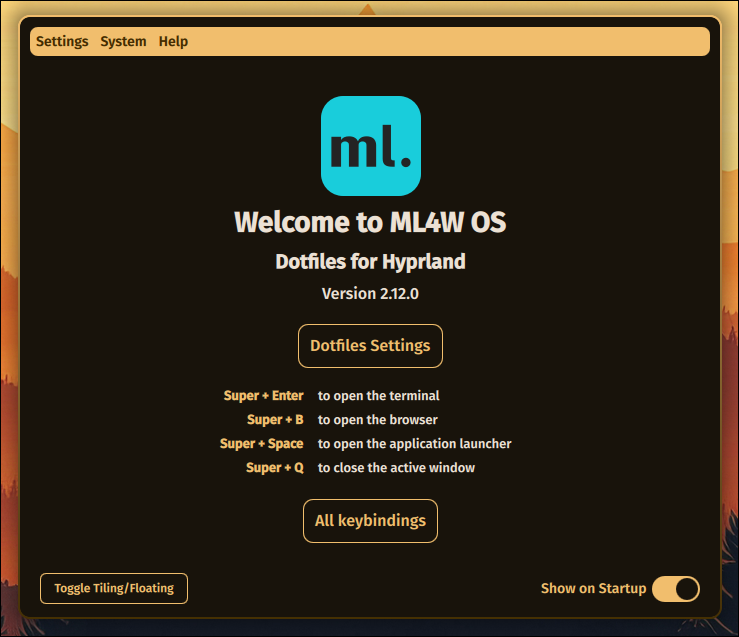
You can also start the Welcome App from the terminal with
sh
ml4wThe welcome screen includes the most important keybindings to open a terminal or a browser.
You can start the ML4W Welcome App from the Sidebar by clicking on the Welcome.