

Screenshots
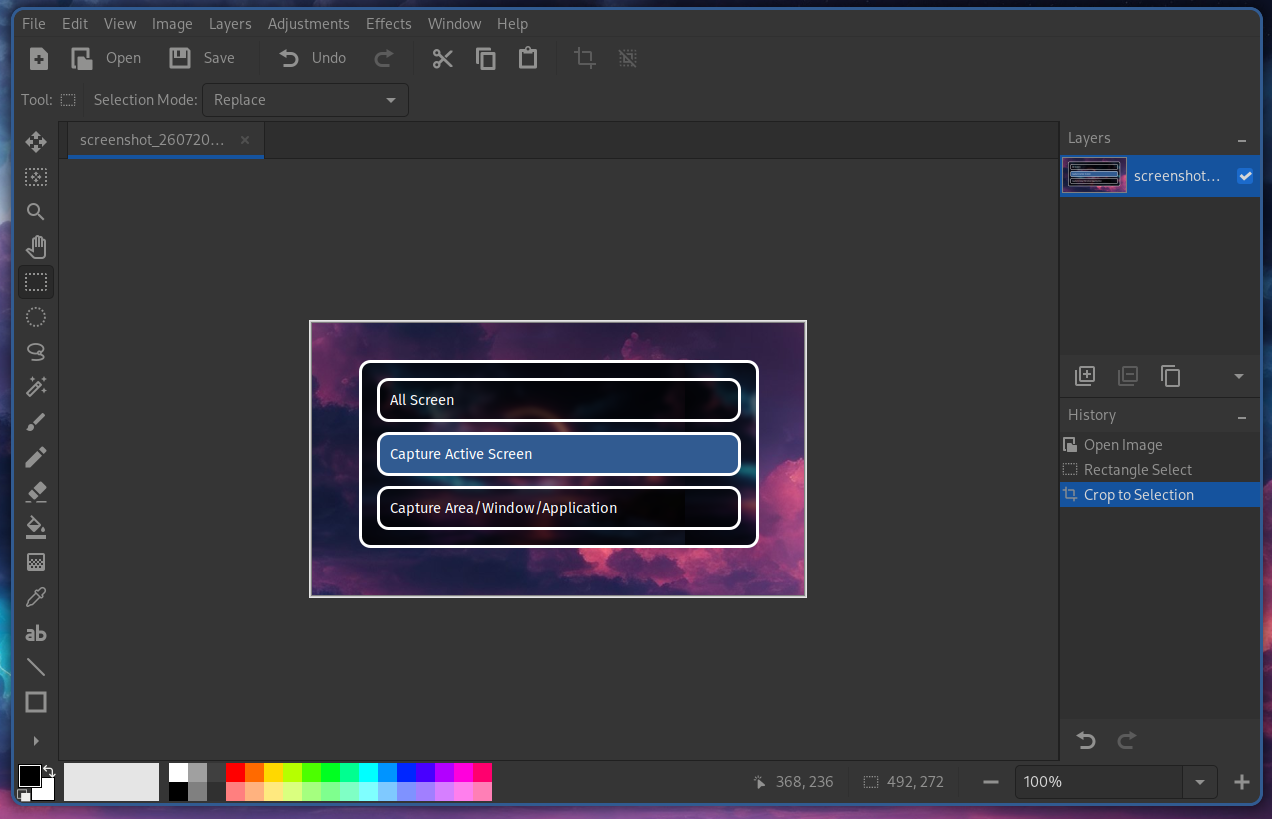
The ML4W OS are shipped with grimblast. You can open the screenshot menu with SUPER + PRINT
Please follow the screenshot wizard.

Change the screenshot directory
By default screenshots will be stored in the $HOME/Pictures directory.
To change the screenshot folder, open ~/.config/ml4w/settings/screenshot-folder
Change the screenshot filename format
By default screenshots will be stored in the $HOME/Pictures directory.
To change the screenshot folder, open ~/.config/ml4w/settings/screenshot-filename
Screenshot Editor
If you select edit as the last option the created screenshot will be opened in Pinta. Pinta allows basic imaging editing tasks.
You can change the screenshot editor in the ML4W Settings App or in the file ~/.config/ml4w/settings/screenshot-editor:

For example if you want to use swappy enter spappy -f. If you want to use gimp enter gimp